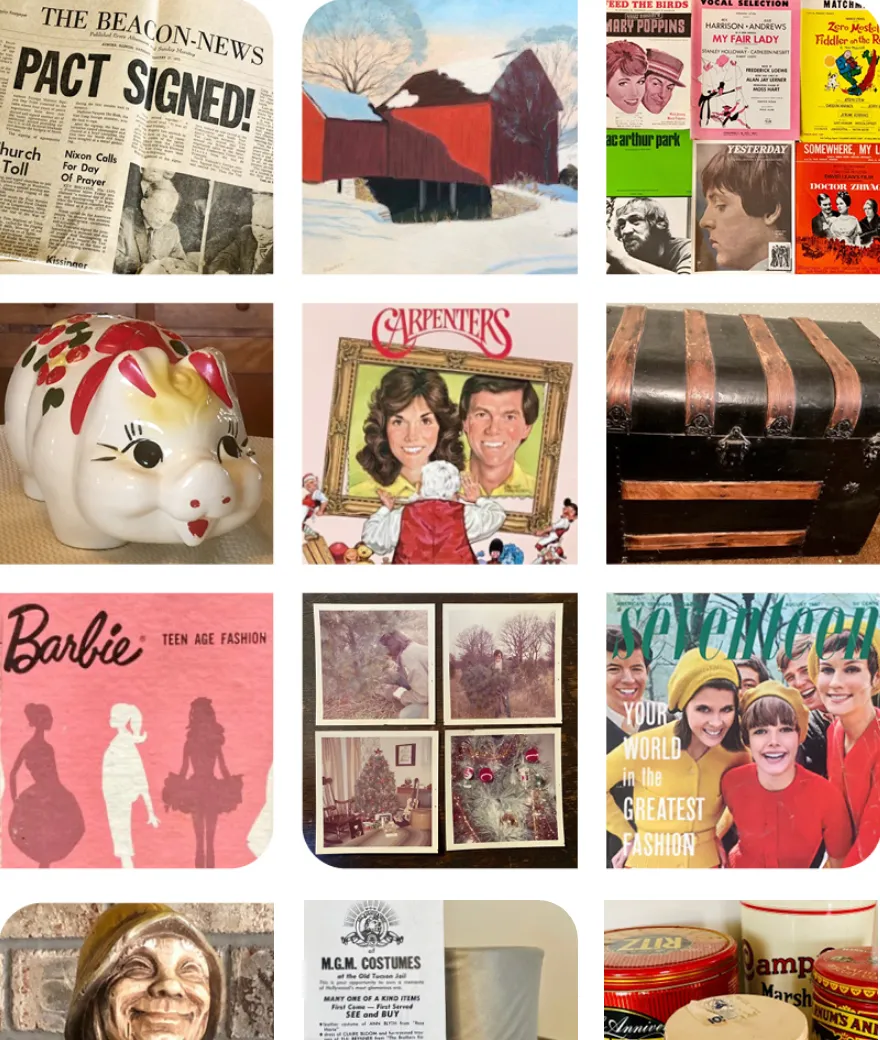




There it is. The silver tea set your grandmother brought out for special occasions. The china your parents received as a wedding gift. The grandfather clock that's been in the family for generations. Or perhaps it's a piece of furniture, a collection of figurines, or a box of family treasures you inherited without ever asking for them.
You know these things matter to someone. Maybe they mattered to the person who owned them, or perhaps other family members have always assumed they would stay in the family. You may even remember the stories attached to them.
But here's the thing: You can love your family, cherish its history, and appreciate an heirloom's significance without wanting to own the object yourself.
As we accumulate belongings, inherit them, downsize, or help loved ones navigate a move, we're often faced with a difficult question: What should we do with the things we don't want but don't feel comfortable getting rid of?
At Artifcts, we believe the answer starts with separating the story from the stuff. The history, memories, and meaning behind an heirloom can live on, even when the physical object moves on to someone else.
So before you tuck that heirloom back into a box, leave it on a shelf out of obligation, or quietly wonder whether it's okay to let it go, let's explore your options.
First, Give Yourself Permission to Let Go
Let's get this out of the way: You are not obligated to keep every family heirloom you inherit. Read that again if you need to.
Family heirlooms can carry enormous emotional weight. They remind us of people we love, connect us to our childhoods, and give us a tangible link to generations who came before us. Sometimes, though, they also come with expectations, guilt, and a sense of responsibility that can be difficult to untangle.
Perhaps your mother always said her china should stay in the family. Maybe your siblings assume you'll take the family furniture because you have the biggest house. Or perhaps you're the person everyone turns to when it's time to sort through a parent's belongings.
It's easy to become the family keeper by default.
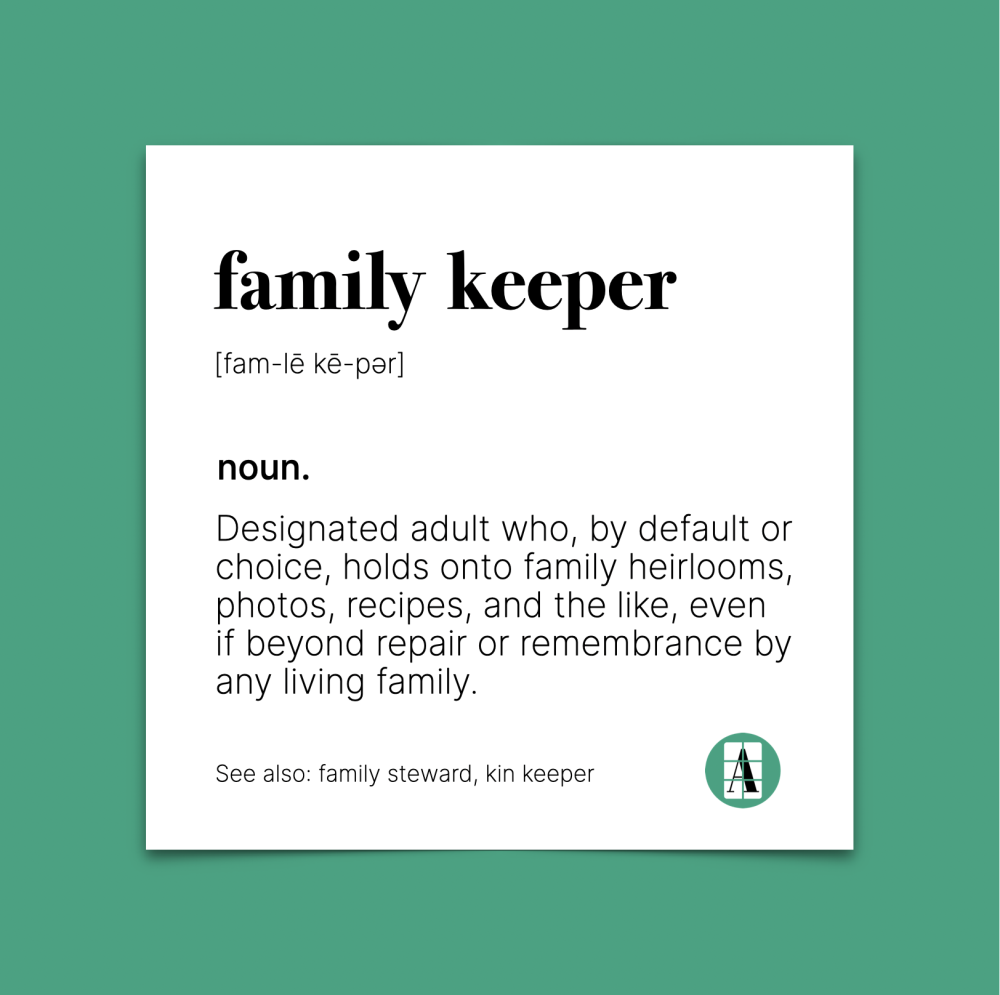
But being a good steward of your family's history doesn't mean becoming the permanent storage facility for everything it contains.
Instead, try asking yourself a few questions:
- Do I genuinely enjoy owning or using this item?
- Does it hold personal meaning for me, or do I feel obligated to keep it?
- Do I have the space, time, and resources to care for it?
- Would I rather preserve its story than keep the physical object?
- Is there someone else who might treasure it more than I do?
Your answers can help you decide what comes next. And remember, you don't have to make every decision immediately. It's perfectly reasonable to set an heirloom aside while you learn more about it or talk with family members.
The goal isn't to get rid of things as quickly as possible. It's to make thoughtful decisions about what deserves a place in your life—and what might be better off somewhere else.
Before You Pass It Along, Capture Its Story
One of the biggest mistakes we can make with family heirlooms is assuming that the object's story will always be known.
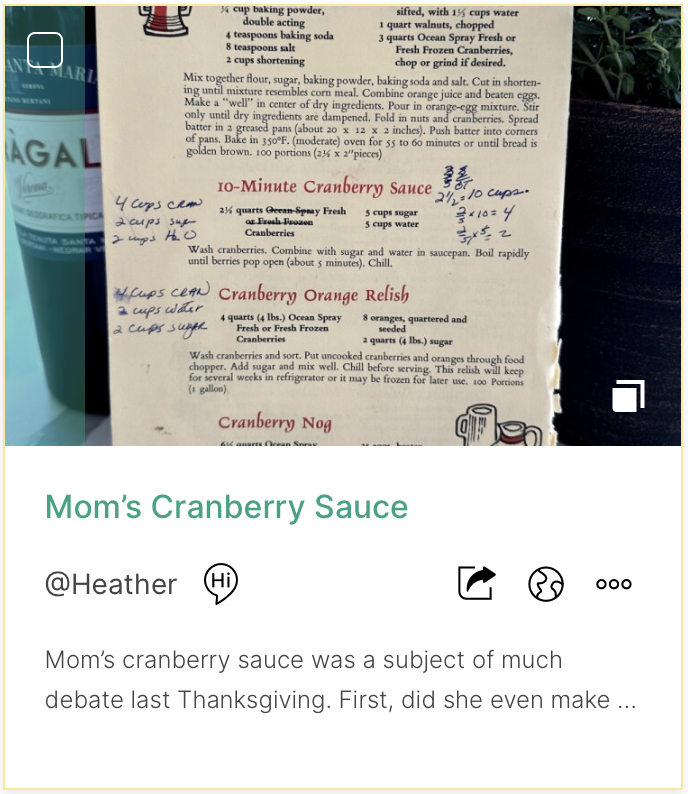
That rocking chair? Your great-grandfather built it for your grandmother when she was expecting her first child. Those serving dishes? They came out every Thanksgiving, and everyone knew which one held the cranberry sauce. That old watch? It belonged to a family member who wore it every day for decades.
These details are what transform an ordinary object into a family heirloom. Without them, future owners may see only a chair, a dish, or a watch. The connection to the people and experiences that made it special can disappear.
That's why we encourage you to Artifct the heirloom before you decide what happens to it next.
Here's how to get started:
- Take a few photos. Photograph the entire object, along with any distinctive details, inscriptions, maker's marks, or signs of wear that help tell its story.
- Record what you know. Who owned it? How did it enter the family? Was it purchased, handmade, gifted, or inherited? When and how was it used?
- Capture the personal details. What do you remember about the person who owned it? Was there a tradition associated with it? Did someone have a favorite story about it? Don't worry about getting every detail right or knowing the whole history. Start with what you know.
- Invite others to contribute. A sibling might remember a detail you've forgotten. A cousin might know who originally made the item. Share your Artifct and invite family members to add their memories.
You may discover that the process of documenting an heirloom makes it easier to let go. Once its story is captured and shared, you can feel more confident that you're preserving what matters—even if the physical item no longer lives in your home.
And if you discover that the story is incomplete? That's an opportunity to ask questions while the people who know the answers are still here.
Who in the Family Might Want It?
Before you donate, sell, or otherwise part with a family heirloom, give relatives the opportunity to express interest. To avoid those guilt-laden requests that soon turn into obligations, start by sharing a little of its story. Explain why it mattered to its previous owner and ask whether anyone would genuinely like to have it.
You might say:
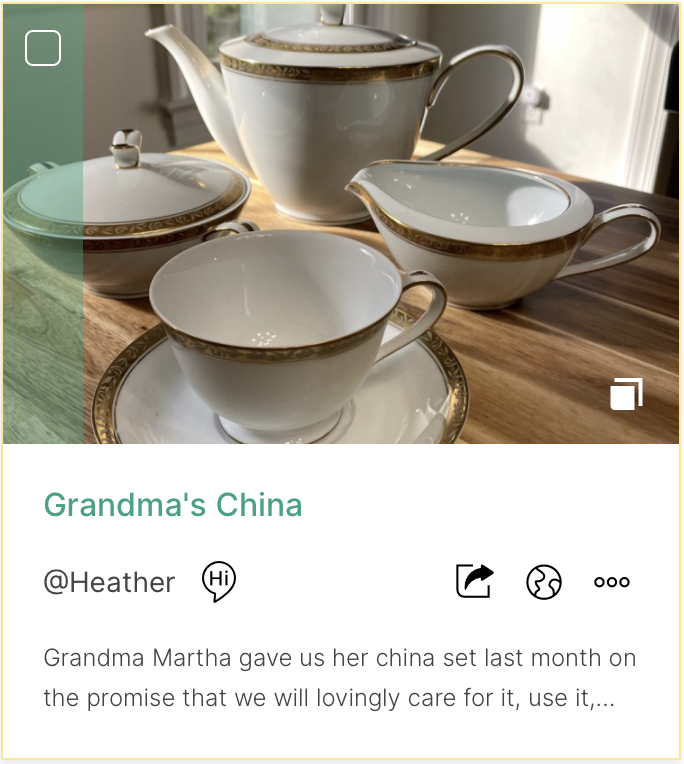
“I'm making some decisions about Grandma's belongings, and I'd love for this tea set to go to someone who would enjoy having it. It was something she used during the holidays. I've captured a few photos and memories, too. Would anyone like to have it? There's absolutely no pressure if it's not right for you.”
That last part matters. Your relatives may have their own space limitations, tastes, and inherited belongings to manage. They may cherish the memory of your grandmother without wanting her tea set. That's okay, too.
A few things to keep in mind:
- Give people time to respond. Not everyone will be ready to make a decision right away, especially after a loss.
- Share the story, not just a photo of the object. Context can help someone recognize why they'd want it.
- Be clear about the practicalities. A large piece of furniture or fragile collection may require transportation, storage, or special care.
- Agree on a plan. If several people want the item, talk through a fair way to decide who receives it.
- Set a reasonable deadline. You can be compassionate while still moving forward with your own plans.
And if nobody wants it? You have not failed your family. You've given people a chance to keep it, and you can now explore other ways to honor its history.
What If No One in the Family Wants It?
You've asked. You've shared the story. And no one has raised a hand. Now what?
The good news is that you have options. The right one depends on the type of heirloom, its condition, its potential value, and whether its history connects to something beyond your immediate family.
Option 1: Find a New Home for It
Sometimes, the best thing you can do for an heirloom is find someone who will appreciate it in a new way. Consider reaching out to:
-
Friends and extended family. Someone outside your immediate family may have a connection to the item or simply love its style.
-
Community organizations. Schools, theaters, historical societies, and community groups may be interested in certain objects for their programs or collections.
-
Collectors and enthusiasts. Specialized online communities can connect you with people who appreciate particular types of antiques, vintage items, or collectibles.
-
People who can use it. Furniture, household goods, tools, and other practical items may be useful to someone setting up a home or starting a new chapter.
When possible, include the item's story when you offer it. A piece of furniture might be more appealing when its new owner learns who built it. A set of dishes might become more meaningful when someone knows they were used for decades of family celebrations.
And don't overlook the possibility of giving the item away. You may find more satisfaction in knowing someone will enjoy it than in trying to recover its monetary value.
Option 2: Donate It to an Organization That Can Preserve Its History
Some family heirlooms have significance beyond the family itself.
Perhaps your great-grandfather's military papers document an important chapter in local history. Maybe your grandmother's journals reveal something about life in a particular era. Or perhaps your family has photographs, letters, business records, or objects connected to a community, profession, or historical event.
Consider contacting a local historical society, museum, library, university archive, or other institution with a relevant collecting focus.
A word of caution: Not every organization can accept every item. Museums and archives typically have specific collection priorities, and they may decline items that fall outside their scope. Contact the institution first, explain what you have, and share any known history or documentation.
If an institution is interested, ask about its donation process and any paperwork needed to document the transfer.
Before you part with the item, create an Artifct with photographs, relevant documents, and the story as you know it. Share it with family members so they can retain a connection to the item even if the physical object enters a public collection.
Option 3: Sell It
Let's talk about money. Some heirlooms have significant monetary value. Others are valuable primarily because of the memories attached to them. And sometimes, what looks like a priceless antique turns out to have a surprisingly modest resale value.
If you think an item may be valuable, do a little research before selling it. Depending on the object, you might consult a qualified appraiser, an antiques dealer, a reputable auction house, or a specialist in that category.
Keep in mind that an item's age alone doesn't determine its worth. Condition, rarity, maker, provenance (its documented history of ownership), and current market demand can all play a role.
If you decide to sell, consider how you'd like the item to be used or appreciated by its next owner. You may also want to preserve photographs, records, and stories before the sale so the history doesn't disappear with the transaction.
And if the heirloom has both financial and sentimental value, take a moment to consider whether you're comfortable letting it go. You don't have to sell it simply because someone has told you it's worth money.
Option 4: Repurpose or Reimagine It
Sometimes, an heirloom can have a second life without remaining exactly as it was.
A collection of embroidered linens might become a quilt. A few meaningful pieces of jewelry might be incorporated into a new design. A well-loved piece of furniture might be refinished and put to use in a different home.
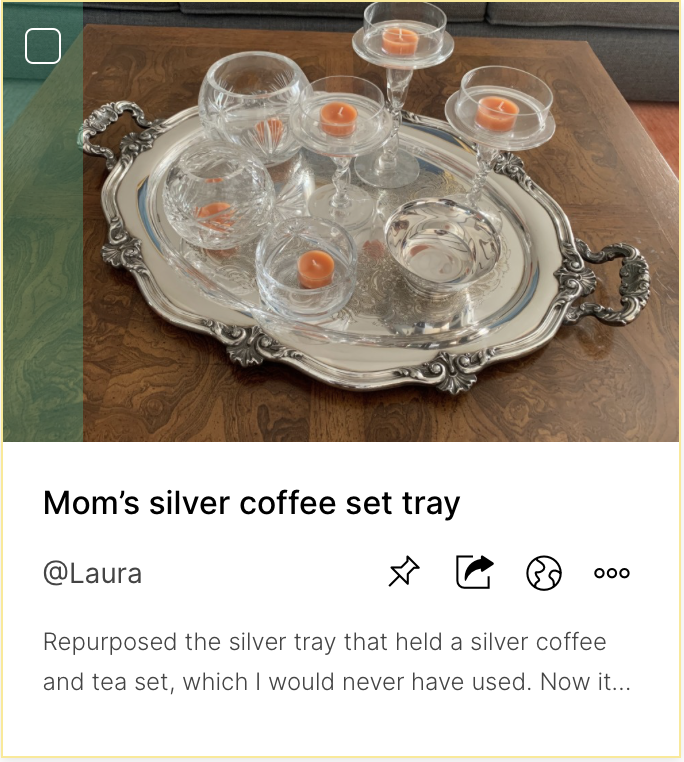
Of course, not every heirloom lends itself to repurposing, and altering an object can permanently change its character or value. If the item is rare, historically significant, or potentially valuable, seek expert advice before making changes.
Option 5: Recycle or Dispose of It Responsibly
Not every heirloom can be sold, donated, or repurposed. Some items are damaged beyond repair, and others simply aren't suitable for another owner. If that's the case, it's okay to let them go.
Before throwing something away, consider whether any components can be recycled or whether a local organization accepts the materials. For items containing hazardous substances or requiring special handling, follow the appropriate local disposal guidance.
If the item has meaning for you, take photographs and record its story before you part with it. That way, the memory doesn't have to disappear simply because the object does.
What About Heirlooms With Significant Monetary or Historical Value?
A quick but important note: Before disposing of or transferring an heirloom, take time to understand what you have.
If an item may be an antique, a valuable collectible, a work of art, or an object with historical significance, consider obtaining a professional opinion before making a decision. You never want to be THAT family member that donated a million dollar piece of art to your local Goodwill store by accident.
Likewise, if you inherited the item as part of an estate, confirm that you have the authority to decide what happens to it. There may be estate documents, ownership questions, or other family considerations to resolve first.
And if you believe an heirloom has significant financial value, remember that an online estimate isn't necessarily the same as a formal appraisal. A little research now can help you avoid regrets later.
The Bottom Line: Keep the Story, Even If You Don't Keep the Heirloom
Family heirlooms can connect us to the people, traditions, and experiences that shaped our lives. They remind us where we came from and help us understand the generations who came before us. But the physical object isn't the only way to preserve that connection.
You can photograph an heirloom, document its history, record a loved one's memories, share those stories with family, and then decide whether the object should stay with you, move to another family member, find a new owner, or leave your home altogether.
You can appreciate an heirloom without keeping it. You can honor the person who gave it to you without carrying the burden of storing it forever. And you can preserve family history without preserving every object that comes with it.
At Artifcts, we believe it's the stories, memories, and meaning behind our belongings that make them worth remembering. That's why we encourage you to Artifct the heirlooms that matter, share their stories with the people who will appreciate them, and think intentionally about what happens next.
Happy Artifcting!
###
© 2026 Artifcts, Inc. All Rights Reserved.